In 2022, I lost 11 potential wedding clients.
Not because of my work.
Not because of pricing.
Not because they found someone “cheaper.”
They ghosted me—right after I sent the invoice.
And every time, it played out the same way:
- We’d vibe on the consultation call
- They’d get excited about my work
- I’d send the full retainer invoice
- Then… crickets
Gone. Vanished. Not a word.
It wasn’t until one couple circled back (weeks later) with an honest message that it finally clicked:
“Hey, we loved your work, but we just couldn’t swing the upfront payment right now.”
That email changed everything.
I realized the issue wasn’t my photography, my packages, or even my pricing.
It was my wedding photography booking system. Or more specifically—the lack of flexibility in how I was asking people to book.
The Problem: Friction at the Finish Line
Booking a wedding photographer shouldn’t feel like a financial ambush. But that’s exactly what I was unknowingly doing.
Imagine this: A couple is planning their dream wedding.
Budgets are tight, vendors are expensive, and every decision feels like a negotiation.
Then they fall in love with my work… only to be met with a pay-in-full invoice just to reserve the date.
No flexibility. No payment options. Just a big financial “ask” right out the gate.
For a lot of couples, especially in the post-COVID economy, that’s a dealbreaker—even if they really want to book you.
And once I understood that, I knew I had to change the way I did business.
The Fix: Split-Pay Retainers Through a Smarter System
I switched to a new wedding photography booking system—Niceshoots—that let me offer split-pay retainers and custom payment plans directly from my booking page.
It wasn’t just a tech upgrade. It was a total mindset shift.
Instead of requiring 100% of the retainer upfront, I could offer:
- 50/50 payment plans
- Monthly payments leading up to the wedding
- Custom schedules for higher-end packages
And I didn’t have to manually manage any of it.
Here’s what changed when I implemented it:
- My booking rate went up by 30% in 60 days
- Fewer leads ghosted me after seeing the invoice
- Clients said I felt “easy to work with”
- I stopped losing bookings over “timing”
- I didn’t have to lower my rates to be affordable
Real Talk: People Want to Book You—But Life Is Expensive
Look, weddings aren’t cheap.
Couples are trying to budget for venues, florals, food, DJs, dresses, decor, and more.
Even if they love your work, they might not have the liquidity to drop hundreds (or thousands) upfront just to lock you in.
That doesn’t mean they’re not serious. It just means your system is adding friction.
And friction kills conversions.
So when I removed the full-retainer barrier and gave people options, the vibe shifted.
Suddenly, “Let me check with my fiancé” turned into:
“Just booked! Thank you!”
What My New Booking Workflow Looks Like
Here’s how I’ve set it up using Niceshoots, my go-to wedding photography booking system:
1. Flexible Retainers Built In
Clients can book with a 50% deposit—or we can set up a custom plan in just a few clicks. No awkward back-and-forth.
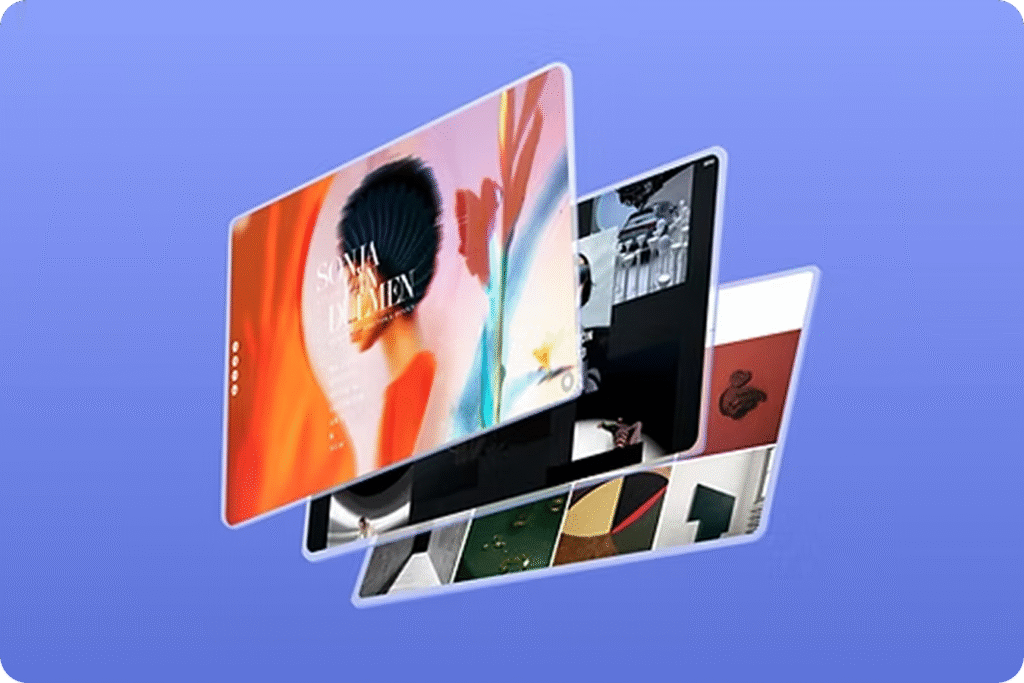
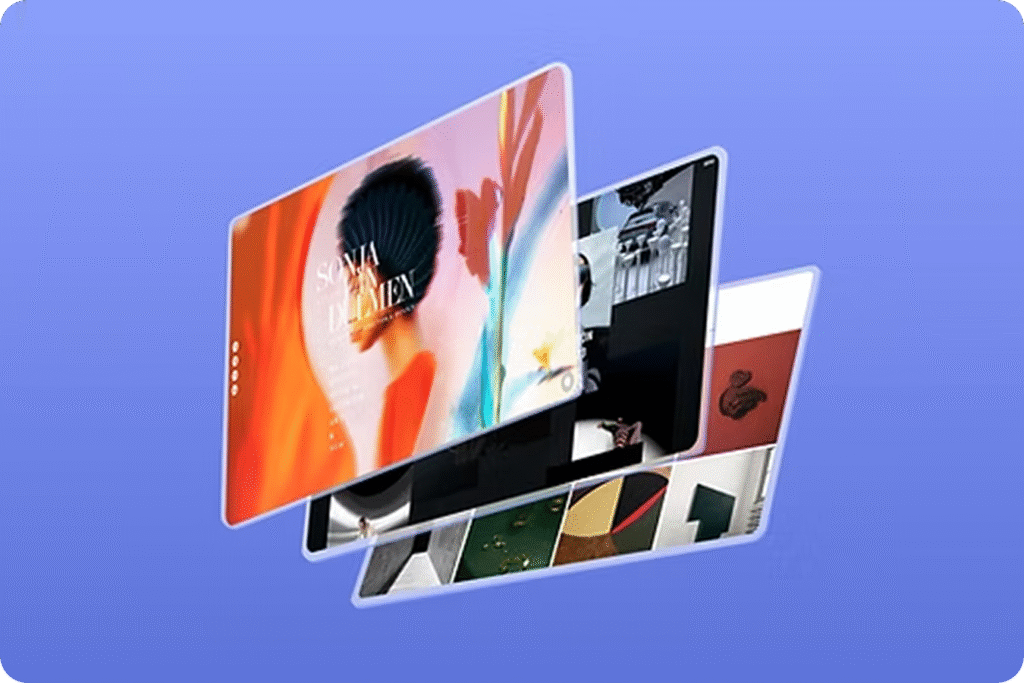
2. All-in-One Booking Page
They get one branded link where they can:
- Choose their session
- Sign the contract
- Complete the questionnaire
- Pay their deposit
It’s seamless, fast, and mobile-friendly.
3. Automated Invoices & Reminders
No more chasing payments or manually sending reminders. The system does it for me—and keeps everything trackable.
4. No Sticker Shock
By offering payment flexibility, my premium packages actually feel more accessible. Couples aren’t turned off by the price tag, because they can spread the cost over time.
5. Less Admin, More Photography
Honestly, I didn’t become a photographer to spend my nights writing emails or tracking down payments. Niceshoots handles the admin so I can focus on what I do best—shooting beautiful moments.
Pro Tip: Payment Flexibility = Professionalism
Want to know the unexpected bonus? Offering split-pay doesn’t make you look “cheap.”
It actually makes you look more legit.
It shows that you’re organized, professional, and empathetic to your clients’ realities.
As wedding photographer and educator Susan Stripling once said:
“Your client experience starts before the first photo is ever taken.”
Making it easy to book you is part of that experience.
TL;DR — You Might Be Losing Bookings Because of Your System
If you’ve been hearing:
- “We’ll get back to you…”
- “We need to check the budget…”
- “We went with someone else…”
…it might not be about your work. It might be your wedding photography booking system.
By adding payment flexibility and streamlining the booking experience, I turned ghosted leads into paying clients—and I didn’t have to lower my pricing to do it.
If You’re Ready to Book More Weddings with Less Hassle…
Make it easy for people to say yes.
Give them a seamless way to book, flexible payment options, and zero room for confusion.
For me, Niceshoots was the game-changer. And if you’re tired of losing dream clients at the last step—you owe it to yourself to try it.
Simplify Your Mini Session Workflow – Get Started with Niceshoots for FREE Today!
Running a photography business is about more than just taking stunning photos—managing bookings, payments, and client communication can take valuable time away from what you love most. Let Niceshoots handle the admin work, so you can focus on capturing life’s most precious moments. For a limited time, the first 100 photographers can experience Niceshoots completely free—no strings attached!
Why Photographers Love Niceshoots:
- Effortless Booking & Payments: Say goodbye to missed appointments and endless email threads. With a branded booking page, clients can self-schedule, complete contracts, fill out questionnaires, and even pay online (via Stripe/PayPal) or offline.
- Less Admin, More Photography: Automated reminders, contracts, and questionnaires streamline your workflow. Plus, the built-in CRM keeps all client information and session history organized—no more scattered notes or messy spreadsheets.
- Elevated Client Experience: Impress your clients with a professional, seamless booking system. Customizable pages and automated emails make you look polished while ensuring clear communication from start to finish.
- No Upfront Costs, Full Benefits: As one of the first 100 users, you can enjoy the full benefits of Niceshoots’ professional tools with zero upfront investment.
Join hundreds of photographers who’ve simplified their business management. Be one of the first 100 photographers to get started for free! Sign up today and see how Niceshoots can help take your business to the next level.